Cabinet library
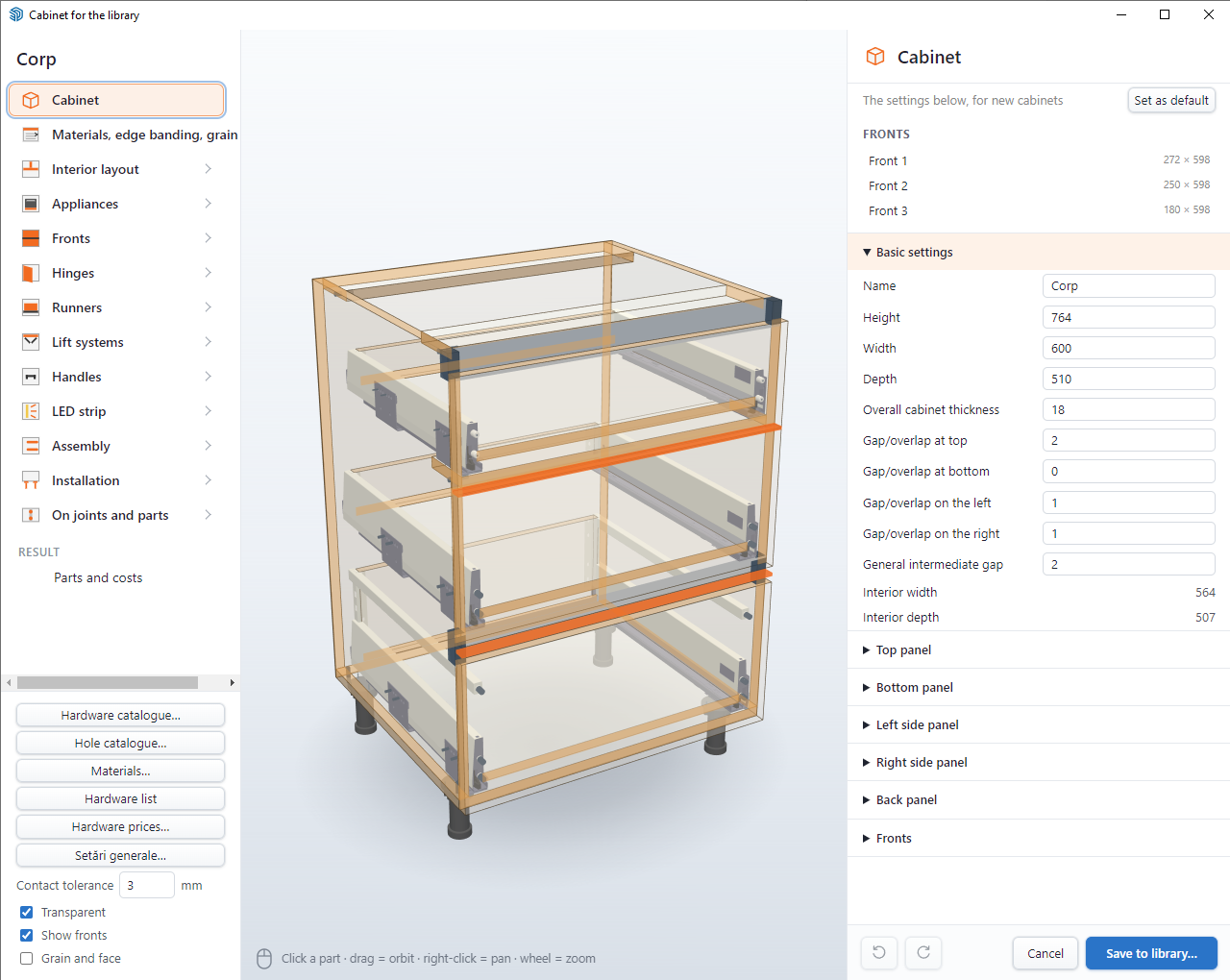
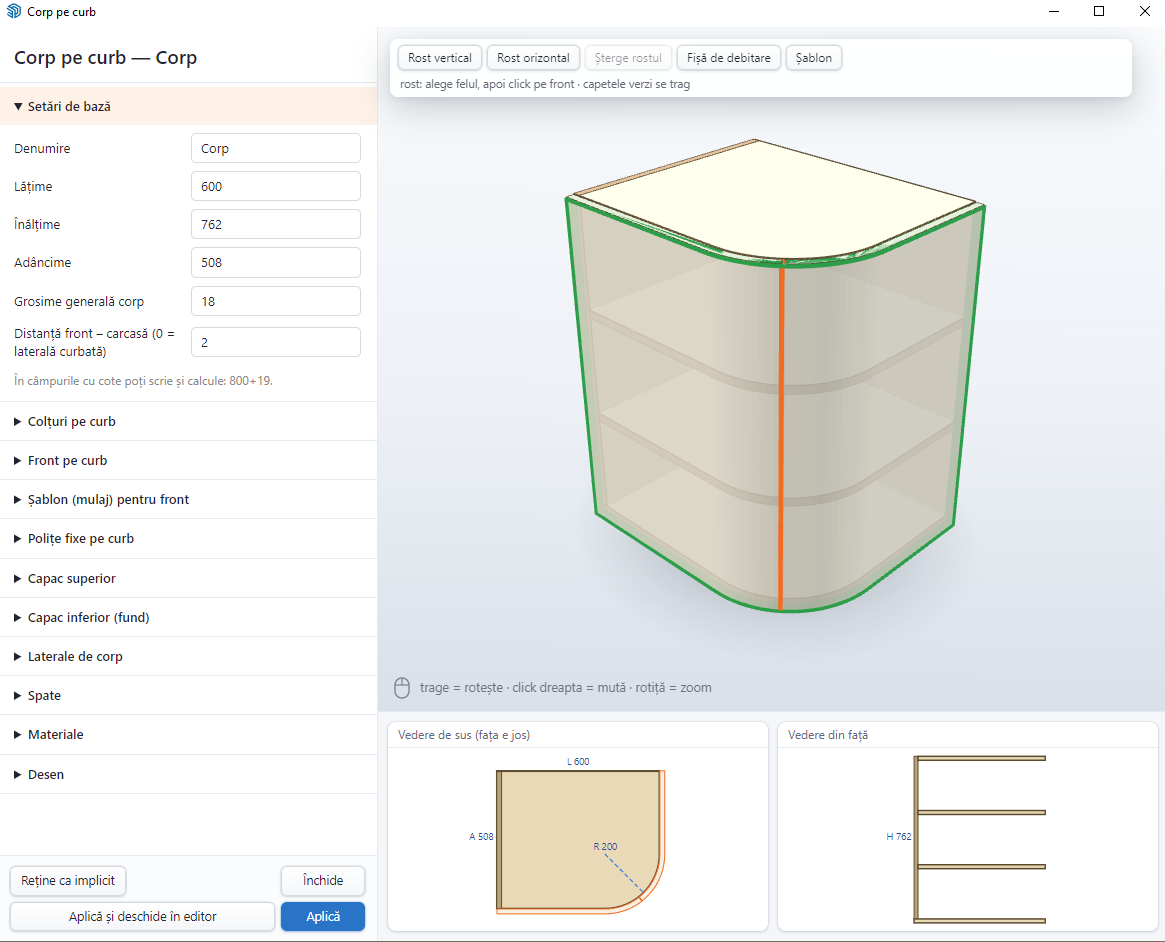
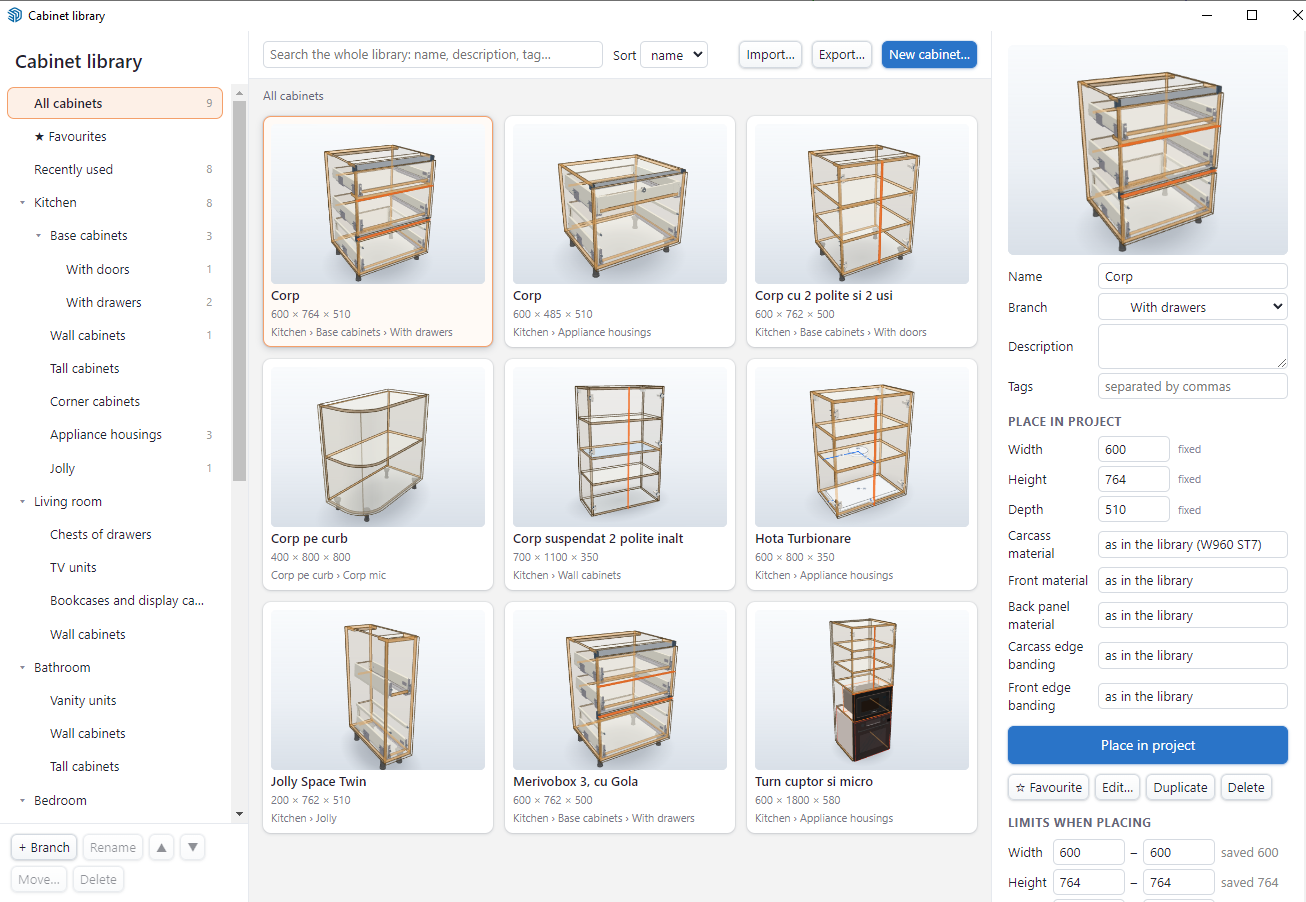
A cabinet prepared for one kitchen can be the starting point for the next job. Save it from the editor with a thumbnail and organise it by room. Favourites and recently used cabinets help you return to the designs you work with often.
When placing it in a new project, choose the width, height, depth and material. Find the material by code or name, then position the cabinet beside the others. Fronts and internal parts adapt to the new dimensions within the limits set when saving.
The placed cabinet is a copy: later changes to the library do not alter projects already drawn. You can also export and import cabinets in a library file to move them between computers or share them with a colleague. The hardware’s 3D models are not included in that file.
See how a cabinet is prepared for the library